Introduction
Solace Cloud (SC) CLI is a command-line interface tool that helps you manage and configure day-to-day operations in the Solace Cloud Platform. You can also use it to automate many common development and operational tasks.
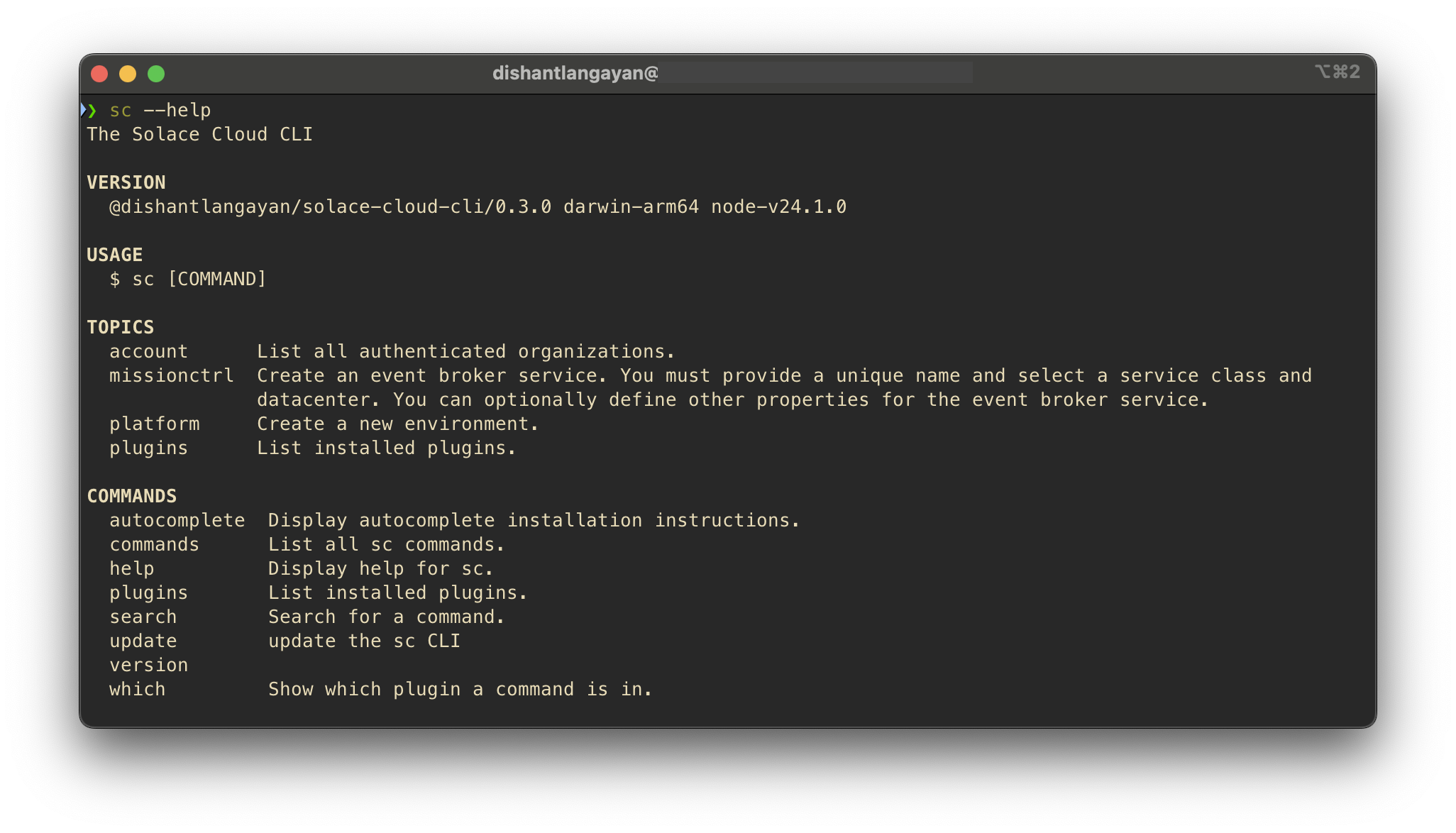
Let's discover SC CLI in less than 5 minutes.
Fast Track
Get started by installing the CLI using Node.js package manager.
What you'll need
- Node.js version 20.0 or above:
- When installing Node.js, you are recommended to check all checkboxes related to dependencies.
- Solace Cloud API Token
Install the CLI
Using A Node.js package manager like npm, Yarn, or pnpm
npm install -g @dishantlangayan/solace-cloud-cli
You can type this command into Command Prompt, Powershell, Terminal, or any other integrated terminal of your code editor.
The command also installs all necessary dependencies you need to run the SC CLI.
Authentication with Solace Cloud
To authenticate the CLI with your Solace Cloud org:
sc account login --org <Your Org Name> --set-default
The above will prompt you to enter your Solace Cloud REST API Token. This token will also determine what the CLI can do.
Next run a command, for example, view a list of all Environments in yours org:
sc platform env list
Explore all available commands:
sc commands
That's it for this 5 min tutorial. Explore the docs for other capabilities and features. Enjoy!